

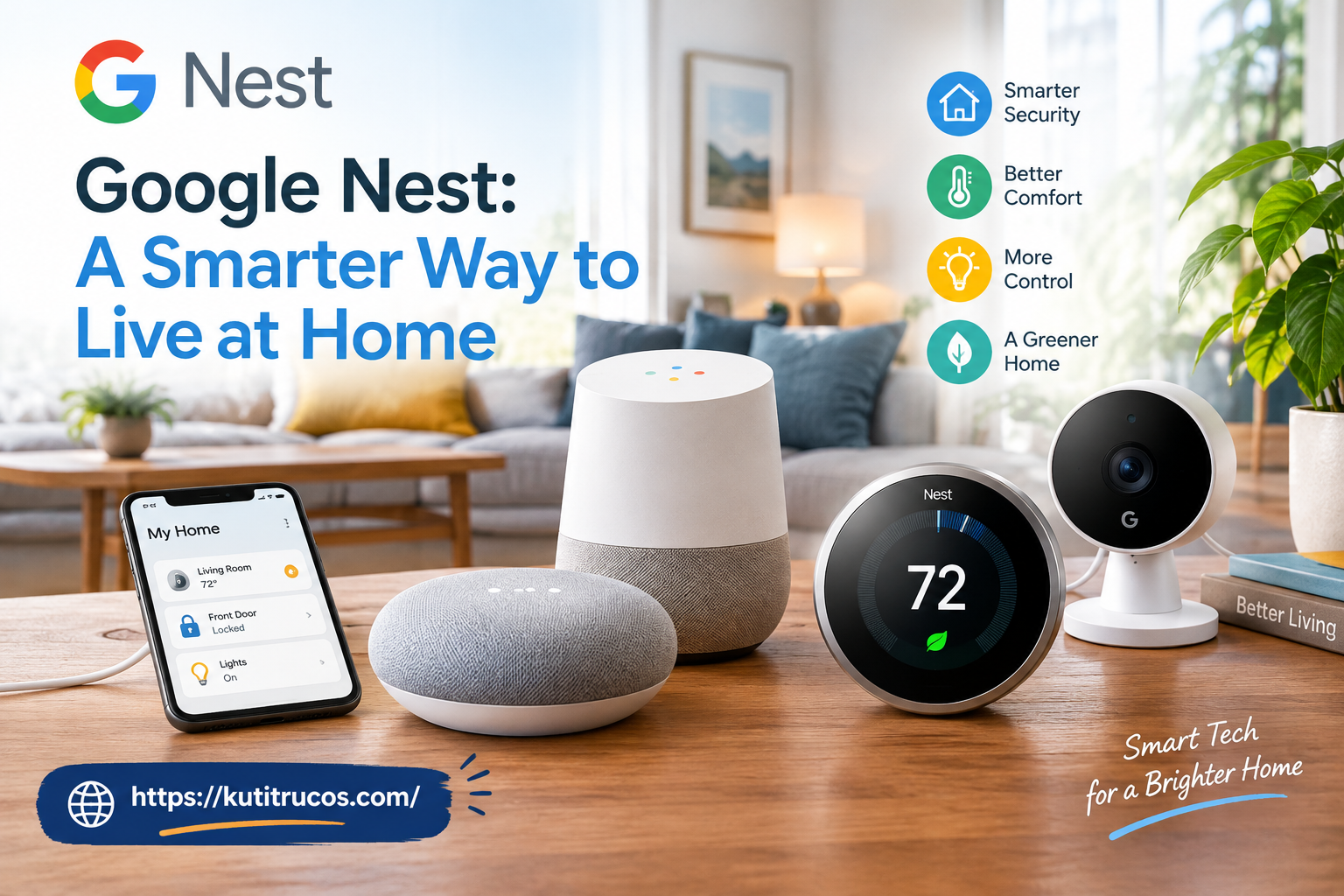
Modern homes are becoming more connected, comfortable, and convenient as technology continues to change the way people manage everyday tasks. From controlling indoor temperatures to checking the front door while away, smart home devices can help homeowners handle many responsibilities with less effort. One name that frequently appears in conversations about connected living is Google Nest.
Google Nest is part of Google’s smart home ecosystem, offering products designed to improve home security, entertainment, energy management, and everyday convenience. Depending on the device, homeowners can use voice commands, mobile applications, automated routines, and connected sensors to manage different aspects of their living spaces.
For families across the United States, smart home technology can be especially useful during busy workweeks, hot summers, cold winters, and extended vacations. Instead of relying entirely on manual controls, residents can build a connected environment that responds to their routines and preferences.
However, choosing smart home equipment requires more than purchasing the latest technology. Buyers need to understand compatibility, installation requirements, privacy settings, ongoing costs, and the features that genuinely match their lifestyles.
This guide explores how Google Nest works, the benefits of its smart home products, and the factors American homeowners should consider before upgrading their homes.
What Is Google Nest?
Google Nest is a family of smart home products designed to help people manage their homes through connected technology. The product ecosystem includes smart thermostats, security cameras, video doorbells, speakers, streaming devices, and other compatible home accessories.
Many devices work with the Google Home app, which allows users to view compatible equipment, adjust settings, create routines, and manage connected devices from a smartphone.
For example, a homeowner might use a compatible thermostat to change the temperature before arriving home, check a camera to see activity near the front entrance, or use a smart speaker to play music while preparing dinner.
The primary idea behind Google Nest is to make everyday home management simpler by bringing compatible technologies into one connected environment.
Not every product performs the same function, and some features depend on the specific model, the user’s location, an internet connection, or an optional subscription. Understanding these differences helps buyers select products that provide practical value rather than paying for features they may rarely use.
People interested in exploring available devices can visit the official Google Store to review product specifications, current availability, and compatibility information.
Why Smart Homes Are Becoming Popular in America
Smart home technology has become an appealing option for American households because people want greater convenience, improved awareness of their surroundings, and more control over household expenses.
Busy professionals may spend long hours commuting or working outside the home. Parents often manage school schedules, activities, meals, and household responsibilities. Older adults may appreciate technology that makes certain everyday tasks easier to manage.
Connected devices can help address these needs in several ways.
A smart thermostat can simplify temperature adjustments. A video doorbell can provide information about visitors. A compatible smart speaker can answer questions, play entertainment, or control selected devices through voice commands.
Homeowners can also create routines that combine several actions. For example, a bedtime routine might turn off compatible lights, adjust the thermostat, and activate selected security devices with one command.
These features do not eliminate every household responsibility, but they can reduce repetitive tasks and make everyday routines more manageable.
Instead, it is the setup that solves real problems, fits the household budget, and remains easy for everyone in the home to use.
Google Nest Thermostats for Everyday Comfort
Heating and cooling are important considerations for homeowners throughout the United States. Temperatures vary significantly between regions, from humid Southern summers to freezing Northern winters. Maintaining a comfortable indoor environment can therefore be a major part of household energy management.
Google Nest thermostats are designed to help users control heating and cooling systems more conveniently.
Depending on the model, homeowners can adjust temperatures directly on the device or through the Google Home app. Scheduling features can help establish different temperature settings for working hours, evenings, weekends, and overnight periods.
Some models also provide learning or energy-saving features that help users manage their heating and cooling habits.
Adjust Temperature From Almost Anywhere
Imagine leaving home on a winter morning and realizing that the heating is still running at a higher setting than necessary. With a compatible thermostat connected to the internet, you may be able to adjust the temperature using your smartphone rather than returning home.
The same convenience can be useful during summer vacations. Homeowners can make temperature adjustments remotely when their plans change, subject to the device’s connectivity and operating requirements.
Remote access is especially helpful for households with changing schedules because it provides more flexibility than a fixed thermostat setting.
Create a More Consistent Schedule
A household may need different temperatures at different times of the day.
A thermostat schedule can organize these preferences automatically.
Instead of remembering to adjust the temperature every morning and evening, homeowners can configure suitable settings in advance. Some Nest models provide additional features that adapt to user preferences, while other models rely more heavily on schedules established by the owner.
Understand Energy Consumption
Heating and cooling equipment can consume considerable energy, especially during extreme weather.
Compatible Nest thermostats provide energy information and features intended to help users identify potential savings opportunities.
However, installing a smart thermostat does not guarantee a specific reduction in utility bills. Results depend on factors such as the local climate, insulation, HVAC efficiency, electricity or gas rates, household occupancy, and temperature preferences.
Before purchasing a thermostat, homeowners should also verify that it works with their existing heating and cooling equipment. Wiring requirements and system compatibility can vary.
Improve Home Awareness With Google Nest Cameras
Home security is a priority for many American families. Whether someone lives in a suburban neighborhood, an apartment, or a rural property, knowing what is happening around the home can provide useful information.
Google Nest cameras are designed to help homeowners monitor selected areas of their properties.
Depending on the model, camera features may include live video, motion notifications, night vision, event history, and intelligent activity descriptions. Outdoor and indoor models serve different purposes, so selecting the appropriate device is important.
Monitor Important Areas
An outdoor camera may be positioned to cover a driveway, backyard, side entrance, or garage area. An indoor camera may be useful for monitoring a common area when residents are away, provided that its placement respects everyone’s privacy.
Camera placement should focus on areas where monitoring is appropriate and useful.
Homeowners should avoid placing cameras in private spaces where household members or guests reasonably expect privacy. In the United States, applicable privacy laws, audio-recording rules, landlord policies, and homeowners association requirements may also affect camera use.
Receive Activity Notifications
A connected camera may send an alert when it detects movement or another supported event.
For example, a homeowner could receive a notification about activity near an entrance while shopping or working. The person can then open the relevant application and review available footage.
Some newer compatible cameras provide more detailed activity descriptions than basic motion alerts. The exact capabilities depend on the device and the available software features.
It is important to understand that cameras are not a replacement for a complete security system. Internet outages, power interruptions, poor camera positioning, lighting conditions, and network problems can affect performance.
Choose Indoor and Outdoor Models Carefully
Indoor cameras are designed for protected interior spaces, while outdoor cameras are built for the conditions specified by their manufacturers.
Before installation, consider the camera’s field of view, power requirements, mounting options, wireless connectivity, weather resistance, and recording features.
A camera that covers the front entrance may not adequately monitor the driveway or backyard. Homeowners should identify the areas that matter most before deciding how many cameras they need.
Google Nest Doorbells for Front Door Convenience
The front door is one of the busiest areas of many homes. Packages arrive, guests visit, delivery drivers stop by, and service professionals may need access to the property.
A compatible Google Nest video doorbell can help homeowners see and respond to activity at the entrance.
Depending on the model, a doorbell may provide live video, visitor notifications, two-way communication, and recorded event history.
See Who Is at the Door
When someone approaches the entrance or presses the doorbell, a compatible device can send an alert to the homeowner’s phone.
This feature is useful for people who work remotely, parents who cannot immediately reach the entrance, and residents who are away from home.
The ability to review activity may also help when a delivery is left outside or a visitor arrives unexpectedly.
Keep Track of Deliveries
Package deliveries are common across the United States, particularly for households that regularly shop online.
A video doorbell can help residents check whether a delivery person approached the entrance and whether a package appears to have been left in the monitored area.
However, a camera cannot guarantee package security. It may not capture every angle, prevent theft, or provide a complete view of activity outside its field of vision.
For better results, position the device carefully and review the available recording settings.
Check Installation Requirements
Some doorbells use existing doorbell wiring, while other models may support different power arrangements. Homeowners should check the requirements of the exact model before buying.
It is also worth reviewing Wi-Fi coverage near the entrance. A weak connection can interfere with notifications, live video, and other connected features.
Renters should obtain any necessary permission before modifying wiring, drilling holes, or making permanent changes to a property.
Smart Speakers and Voice-Controlled Assistance
Smart speakers can make a connected home more convenient by providing hands-free access to selected functions.
Google’s smart home ecosystem includes speakers that support voice interactions and compatible smart home controls. The available experience depends on the specific speaker, software, account settings, and services being used.
A speaker can be useful in the kitchen, living room, bedroom, or home office.
Manage Daily Tasks With Voice Commands
Voice commands can help residents perform simple tasks without stopping what they are doing.
Someone preparing breakfast might ask a supported assistant about the weather, set a timer, or play a preferred music service. Another person might request a reminder, check information, or control compatible lights.
These small conveniences can become particularly useful when several activities happen at once.
For example, a parent cooking dinner can set a timer while helping a child with homework. A remote worker can request information or adjust compatible room lighting without reaching for a phone.
Voice interactions depend on the device’s supported features, language, internet connection, and the services connected to the account.
Enjoy Music and Entertainment
Smart speakers can also provide access to music, podcasts, and other supported audio services.
The listening experience varies by speaker size, acoustic design, room layout, and the type of content being played. Buyers who care primarily about sound quality should compare available audio specifications and reviews before purchasing.
For larger rooms, a single compact speaker may not deliver the coverage or bass response that some listeners expect.
A practical approach is to choose a speaker based on where it will be used and how often it will provide entertainment.
Connect Compatible Devices
A smart speaker may also act as a voice-control point for compatible lights, plugs, thermostats, and other connected equipment.
Instead of opening multiple applications, users can control supported devices with a simple command.
Before buying accessories, check whether they work with the relevant Google Home features. Not every smart home product supports every platform or control method.
Build a Connected Home With the Google Home App
The Google Home app plays an important role in managing compatible Google Nest products and other supported smart devices.
After setting up equipment, users can organize devices, adjust settings, manage supported cameras, and create automations from a compatible smartphone.
The app is particularly helpful when a household has multiple connected products.
For example, someone might place living room lights, a thermostat, and a speaker in the same digital room. This organization can make it easier to find devices and control them together.
Organize Devices by Room
Room-based organization helps users understand which device they are controlling.
A household might create separate groups for the kitchen, bedrooms, living room, garage, and outdoor areas. This is especially useful when multiple lights, speakers, or sensors are installed throughout a property.
Clear naming also reduces confusion when using voice commands.
For instance, naming a device “Living Room Lamp” may be easier to remember than leaving it with a generic manufacturer-assigned name.
Create Helpful Home Routines
Automations allow compatible devices to respond to selected conditions or scheduled actions.
A morning routine might turn on selected lights and provide information through a compatible speaker. An evening routine could adjust lighting and change the thermostat setting.
The exact actions available depend on the devices and features supported by the Google Home ecosystem.
Start with one or two simple routines rather than trying to automate every part of the house at once. Once the initial setup works reliably, additional routines can be introduced as needed.
Google Nest and Energy Efficiency
Energy costs can be a significant household expense in the United States. Utility rates, seasonal temperatures, building construction, and personal habits all influence how much a home spends on heating, cooling, and electricity.
Smart home technology can help residents become more aware of energy use and make adjustments where appropriate.
A compatible Nest thermostat may allow homeowners to establish more efficient schedules, adjust temperatures remotely, and review certain energy-related information.
For example, reducing unnecessary heating or cooling while a house is empty may help lower consumption. However, the right settings depend on the building, climate, occupants, and equipment.
Homeowners should avoid extreme temperature changes that could create discomfort or put vulnerable occupants at risk.
Other energy-saving steps can complement smart technology. Sealing air leaks, maintaining HVAC equipment, replacing filters as recommended, and improving insulation may contribute to better efficiency.
A connected thermostat is most useful when it becomes part of a broader energy management plan rather than being treated as a guaranteed source of savings.
Privacy and Security Considerations
Smart home products can collect and process information needed to provide their features. Cameras may capture video, doorbells may record activity, and voice-enabled devices may process spoken commands.
Before installing Google Nest equipment, homeowners should review privacy controls and understand how their selected devices handle data.
Review Account Security
Use a strong, unique password for the Google account associated with your smart home. Where available, enable two-step verification and review account recovery options.
Keeping the account secure is important because it may provide access to connected devices, camera feeds, and home settings.
Household members should also understand who has permission to view camera footage or control equipment.
Understand Camera and Microphone Controls
Review the privacy settings available for each device. Depending on the product, these may include camera controls, microphone options, notification preferences, and recording settings.
Avoid placing indoor cameras in bedrooms, bathrooms, or other sensitive areas. If a device is used in a shared home, communicate clearly with other occupants about its presence and purpose.
For visitors, consider whether signs or additional disclosure are appropriate under local rules.
Check Recording and Subscription Options
Some smart home features may be available without a subscription, while other recording, storage, or advanced software capabilities may require a paid plan.
Before buying a device, determine which features are included, which require an additional payment, and whether the subscription is necessary for your intended use.
Do not assume that every camera offers continuous recording or that all recorded footage remains available indefinitely.
Understanding these limitations in advance helps homeowners make informed decisions about both privacy and cost.
Is Google Nest Suitable for Renters?
Smart home technology is not limited to homeowners. Renters may also benefit from selected connected devices, although installation restrictions can influence their choices.
A portable smart speaker is usually simpler to install than a wired thermostat or permanently mounted outdoor camera.
Renters can consider compatible plug-in lighting accessories, portable speakers, and devices that do not require permanent modifications.
Before installing a video doorbell, changing a thermostat, or mounting a camera outside, check the lease and obtain permission when required.
Apartment residents should also consider shared Wi-Fi quality, building policies, neighboring units, and the placement of recording equipment.
A small setup may be enough to make a rental property more convenient. There is no need to install a large collection of devices to benefit from smart home technology.
How to Choose the Right Google Nest Products
Selecting the right products begins with identifying the problems you want to solve.
If temperature control is your main concern, a compatible Nest thermostat may be the logical starting point. If you want to monitor your entrance, compare the available video doorbells. If you prefer hands-free assistance, a supported smart speaker may provide the most immediate benefit.
Consider the following factors before purchasing.
1. Define your priorities. Decide whether comfort, security, entertainment, or automation matters most. This prevents unnecessary spending on features you will rarely use.
2. Set a realistic budget. Include the cost of devices, installation, optional subscriptions, accessories, and any additional networking equipment.
3. Check compatibility. Review your existing HVAC system, smartphone, wireless network, and other connected devices. Product compatibility can differ between models.
4. Evaluate installation needs. Some products are designed for straightforward self-installation, while others may require professional assistance or additional wiring.
5. Review ongoing costs. Understand whether features such as extended video history or advanced software tools require a recurring payment.
6. Consider future expansion. If you plan to add more equipment later, choose products that fit your preferred ecosystem and support the features you expect to use.
Taking these steps can help you avoid buying devices that do not work well in your particular home.
What Should You Know Before Buying From Google Store?
The Google Store is a useful starting point for comparing official product information, supported features, colors, accessories, and current purchase options.
Before placing an order, review the full specifications rather than relying solely on promotional descriptions.
For a thermostat, verify HVAC compatibility and installation requirements. For a camera, check its power source, intended environment, video features, and recording options. For a speaker, consider sound quality, supported services, and the type of voice assistance available.
Pricing and availability can change, so review the current listing before making a purchase. Promotional offers, financing options, and energy-provider rebates may also have specific eligibility requirements.
Buyers should distinguish between standard product features and capabilities that depend on optional subscriptions or additional equipment.
It is also helpful to review warranty coverage, return conditions, delivery details, and installation costs where applicable.
A little research before checkout can make the purchasing process more straightforward and reduce the chance of unexpected expenses.
Common Mistakes to Avoid With Smart Home Devices
Although connected home technology can be convenient, a few common mistakes may prevent users from getting the most out of their equipment.
One mistake is buying products without checking compatibility. A device may look suitable but require a particular wiring configuration, network setup, or supported platform.
Another mistake is placing cameras where their view is obstructed. Walls, trees, bright sunlight, and poor positioning can limit what a camera captures.
Some users also create too many automations at once. Complicated routines can become difficult to troubleshoot, especially when multiple devices depend on different conditions.
Network coverage is another important consideration. A router that performs well in the living room may not provide a reliable signal in a garage or at an outdoor entrance.
Finally, homeowners sometimes overlook privacy settings and recurring fees. Reviewing these details during setup can help prevent confusion later.
The simplest solution is to begin with a clear goal, install one device at a time, test its performance, and expand gradually.
The Future of Connected Living
Smart home technology continues to develop as manufacturers improve device connectivity, automation, and artificial intelligence.
Google’s connected home ecosystem is evolving alongside these developments, with newer products and software features designed to make home controls more intuitive.
Depending on the supported equipment and services, future-oriented features may include more natural voice interactions, richer activity descriptions, and easier ways to create automated routines.
These developments could make connected devices more accessible to people who do not want to spend time configuring complicated systems.
Nevertheless, useful technology should be judged by practical results rather than novelty alone. Reliable connectivity, transparent privacy controls, straightforward installation, and reasonable costs remain important considerations for American households.
Consumers should also remember that features may vary by model, region, software version, and subscription plan. Reviewing official documentation before making a purchase remains essential.
Final Thoughts
Google Nest offers American homeowners and renters a range of options for making everyday home management more convenient. Compatible thermostats can simplify temperature control, cameras and video doorbells can improve awareness of activity around the property, and smart speakers can provide hands-free assistance and entertainment.
The Google Home app brings many supported devices together, making it easier to manage settings and build routines that suit different lifestyles.
However, the best smart home is not necessarily the most expensive or technologically advanced one. It is the home where each device serves a clear purpose, works reliably, and fits the needs of the people living there.
Before investing, evaluate your priorities, confirm compatibility, review privacy settings, and account for any recurring costs. Starting with one useful device and expanding gradually is often a sensible approach.
With thoughtful planning, Google Nest products can become a practical part of a more connected, comfortable, and manageable home.
For the latest product information and available options, explore the official Google Store and compare the features that best match your household’s needs.

