

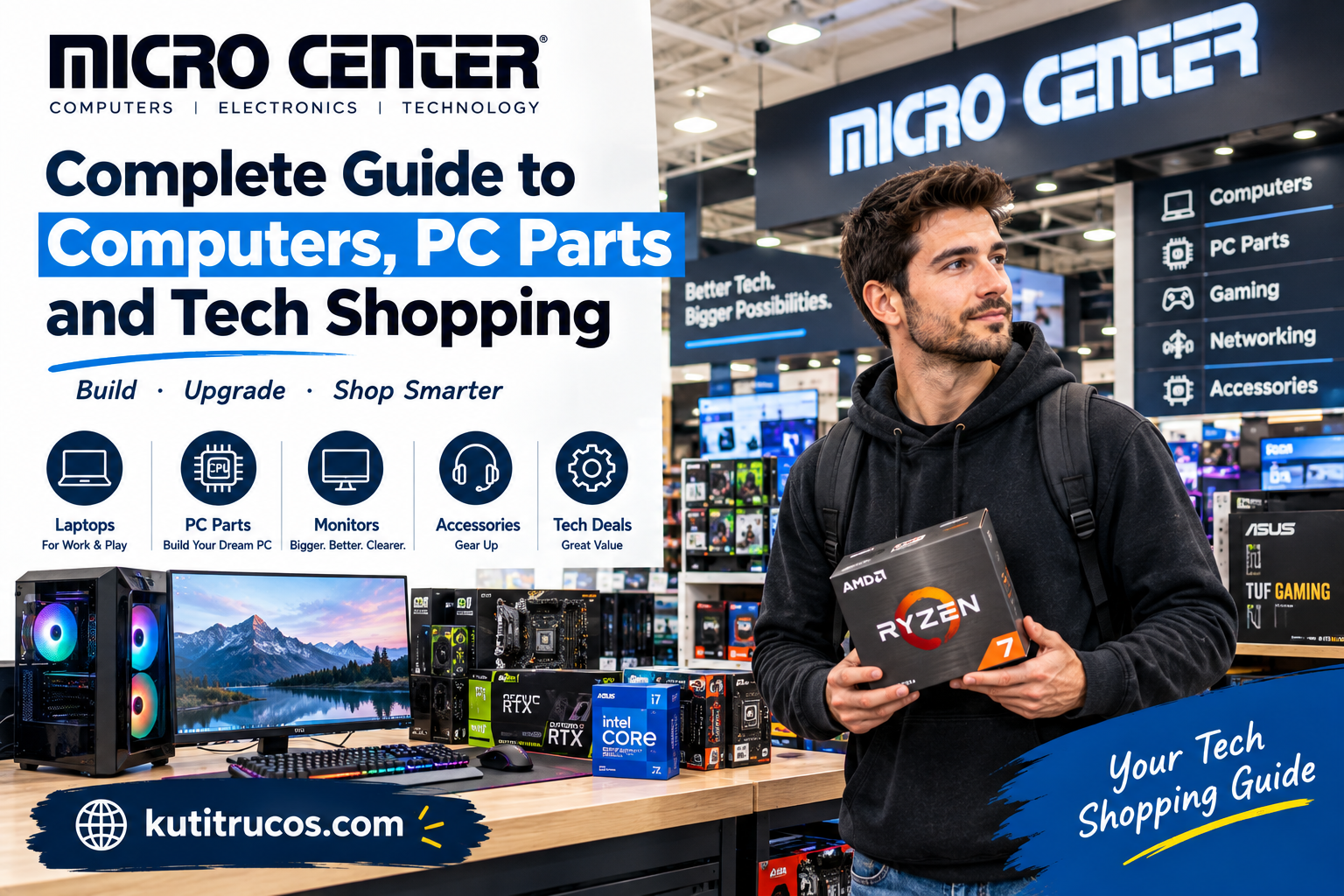
Finding the right technology can be difficult when there are hundreds of products to compare. A new computer purchase may involve processors, graphics cards, memory, storage, cooling, monitors, operating systems, accessories, and many other decisions. For shoppers who want to build a computer themselves or choose individual components instead of buying a basic system, having access to a specialized technology retailer can make the process much easier.
Micro Center is one of the well-known technology retailers in the United States, particularly among PC builders, gamers, computer enthusiasts, creators, students, professionals, and people who enjoy working with hardware.
Unlike a general department store where computers may represent only one small category, Micro Center focuses heavily on computing, electronics, PC components, networking, gaming, maker technology, and related services.
The company also operates physical stores where customers can examine products, receive technical assistance, pick up online orders, and obtain repair or upgrade services.
What Is Micro Center?
Micro Center is a U.S. technology retailer specializing in computers, electronics, computer components, networking equipment, gaming products, maker technology, and technology services.
The company says it has been helping customers understand and use technology since 1979. It began in Columbus, Ohio, and has grown from a small storefront into a national retailer. Its current corporate information lists 29 stores across 19 states.
Its product selection includes everything from CPUs and motherboards to laptops, desktops, graphics cards, monitors, storage devices, networking equipment, 3D printers, and accessories.
That makes Micro Center particularly relevant to people who want to research technology in detail rather than simply purchase a ready-made electronic device.
A Brief History of Micro Center
Micro Center traces its beginnings to Columbus, Ohio.
According to the company’s own history, founders John Baker and Bill Bayne were former Radio Shack employees who started the business with a relatively small investment. The first store was established near Ohio State University, and the company gradually expanded its technology-focused retail model.
The company’s development has followed the growth of personal computing.
As PCs became more common in American homes, schools, businesses, and gaming communities, demand increased for individual computer components and technical assistance.
Micro Center built its reputation around serving those customers.
Today, its audience includes:
- PC builders
- Gamers
- Students
- IT professionals
- Small businesses
- Content creators
- Engineers
- Makers
- Home-office users
- Technology enthusiasts
The company says more than 22 million customers have relied on Micro Center over its history.
What Can You Buy at Micro Center?
Micro Center offers a broad technology assortment.
Its website currently organizes products into categories including PC parts, computers, Apple products, monitors, electronics, gaming products, networking equipment, 3D printing, peripherals, storage, cooling, power supplies, and other accessories.
Some of the most important categories include:
Computer Processors
The processor, or CPU, is one of the most important components in a computer.
Micro Center carries processors from major manufacturers such as AMD and Intel.
When choosing a CPU, shoppers should consider:
- Number of cores
- Number of threads
- Clock speeds
- Socket compatibility
- Power requirements
- Integrated graphics
- Intended workload
- Motherboard compatibility
A processor designed for everyday office work may have very different characteristics from one intended for gaming, rendering, programming, or professional workloads.
Graphics Cards
Graphics processing units, commonly called GPUs, are especially important for gaming and creative applications.
A powerful graphics card can also be useful for video editing, 3D rendering, AI-related workloads, and other demanding applications.
Micro Center carries graphics cards from major brands and supports customers looking for components for gaming PCs and other high-performance systems.
When comparing GPUs, buyers should consider more than the model name.
Important factors include:
- VRAM
- Performance at the desired resolution
- Power consumption
- Physical card dimensions
- Cooling
- Required power connectors
- Monitor compatibility
- Case clearance
A graphics card that fits one computer may not physically fit another.
Motherboards
The motherboard connects many of the major components inside a desktop computer.
It determines compatibility with the CPU, memory, storage, expansion cards, and other hardware.
When choosing a motherboard, check:
- CPU socket
- Chipset
- Memory type
- Number of RAM slots
- M.2 storage support
- PCIe slots
- USB connectivity
- Networking features
- Form factor
The right motherboard depends on both the components and the type of computer being built.
Computer Memory
RAM affects how efficiently a computer can handle multiple applications and demanding workloads.
Micro Center sells desktop memory and other memory products in different capacities and specifications.
For a new PC, buyers should check whether the motherboard supports the selected memory generation and speed.
It is also important to consider how much memory is actually needed.
A computer used primarily for web browsing and documents does not necessarily require the same memory configuration as a workstation used for professional editing or large applications.
SSDs and Storage
Solid-state drives have become a standard choice for modern computers because they provide fast access to stored data.
Micro Center offers internal and external storage products, including NVMe drives and other SSD configurations.
When choosing storage, consider:
- Capacity
- Interface
- Read and write performance
- Endurance
- Compatibility
- Intended workload
A 1TB drive may be enough for an everyday laptop, while a gaming PC or creative workstation may benefit from substantially more storage.
External drives can also be useful for backups and transferring large files.
Gaming PCs
Gaming is one of Micro Center’s most recognizable technology categories.
The company offers prebuilt gaming computers as well as the components needed to create a custom gaming system.
Its current site highlights gaming desktops and gaming laptops alongside PC components.
A gaming PC typically requires attention to several components:
- CPU
- GPU
- RAM
- SSD
- Power supply
- Motherboard
- Cooling
- Case
- Monitor
The most expensive component is not automatically the best choice for every gamer.
A balanced system can often provide a better overall experience than spending heavily on one component while leaving other parts underpowered.
Building a Custom PC
One of Micro Center’s strongest areas is custom PC building.
The company provides a Custom PC Builder and related tools that allow customers to select components and create a system based on their requirements.
A custom PC can be designed around a specific purpose.
For example:
Gaming PC
Prioritize graphics performance, CPU performance, cooling, and a suitable monitor.
Creator PC
Focus on CPU performance, GPU capability, memory, storage, and display quality.
Office PC
Prioritize reliability, productivity performance, connectivity, and value.
Workstation
Consider professional applications, large amounts of memory, high-performance processors, storage capacity, and specialized graphics hardware.
Custom building also gives users greater control over future upgrades.
PowerSpec Computers
Micro Center also offers its own PowerSpec line of computers.
PowerSpec systems provide prebuilt options for customers who want a ready-to-use PC rather than selecting every component themselves.
The current Micro Center website includes PowerSpec desktop lines and gaming-oriented configurations.
This can be useful for someone who wants the advantages of a desktop computer without spending time researching every individual component.
Laptops at Micro Center
Micro Center is not only for desktop PC builders.
The retailer offers laptops for different types of users, including everyday consumers, students, professionals, gamers, and Apple customers.
Before purchasing a laptop, consider:
- Processor
- RAM
- SSD capacity
- Display size
- Resolution
- Battery life
- Weight
- Graphics performance
- Ports
- Operating system
A lightweight laptop may be ideal for a student who carries a computer around campus, while a gaming laptop may prioritize graphics performance over portability.
Monitors
A computer is only as useful as the display being used with it.
Micro Center offers monitors in several categories, including gaming monitors, 2K displays, 4K monitors, curved screens, OLED displays, and LED monitors.
Gamers may pay particular attention to:
- Refresh rate
- Response time
- Resolution
- Adaptive sync
- Panel technology
Professionals working with photographs or video may place greater emphasis on:
- Color accuracy
- Resolution
- Screen size
- Contrast
- Connectivity
There is no single monitor specification that is ideal for every user.
Networking Equipment
Modern homes increasingly depend on reliable internet connections.
Micro Center carries networking products designed for homes, offices, businesses, and more advanced network environments.
Products can include:
- Routers
- Network adapters
- Ethernet equipment
- Wireless networking devices
- Network storage
- Professional networking hardware
The company’s current product categories also include professional-grade networking products and brands such as Ubiquiti.
For a home network, shoppers should consider the size of the property, number of connected devices, internet speed, Wi-Fi requirements, and whether wired connections are needed.
3D Printing and Maker Products
Micro Center has also become relevant to the growing maker community.
Its current selection includes 3D printers, filament, maker tools, Arduino products, Raspberry Pi products, and other DIY technology.
This makes the retailer useful for people who want to experiment with hardware rather than simply consume technology.
3D printing can be used for:
- Prototypes
- Hobby projects
- Replacement parts
- Educational projects
- Models
- Custom designs
Beginners should consider both the printer and the ongoing cost of materials.
Apple Products
Micro Center also carries Apple-related products.
Its current online categories include Mac computers, MacBook products, iPads, Apple Watch, AirPods, and accessories.
Customers who prefer Apple hardware can therefore compare those products alongside other computers and technology rather than visiting a specialized Apple-only retailer.
Electronics and Accessories
Beyond computers, Micro Center sells many smaller technology products.
These can include:
- Keyboards
- Mice
- Headsets
- Cables
- Chargers
- Webcams
- Printers
- Projectors
- Computer accessories
- Storage devices
- Power products
Accessories may seem inexpensive compared with a new computer, but choosing compatible accessories can make a noticeable difference in the overall setup.
Micro Center Store Experience
One of the main differences between Micro Center and an online-only retailer is the physical store experience.
The company says its stores carry thousands of products and are staffed by technology-focused associates. Its current corporate page lists 29 stores across 19 states.
Physical stores can be particularly helpful when shoppers want to:
- Compare hardware in person
- Ask technical questions
- Pick up products quickly
- Get help selecting components
- Return or exchange eligible products
- Access technical services
For someone building a PC, being able to speak with someone familiar with computer hardware can be useful.
Micro Center In-Store Pickup
Micro Center promotes its 18-Minute In-Store Pickup service for eligible online orders.
The concept is straightforward: customers order products online and pick them up at a selected store after the order is prepared.
This can be useful when a customer needs a computer component quickly.
For example, if a PC builder needs a replacement SSD, RAM kit, cable, or cooling component, checking local inventory before driving to the store can save time.
Availability and pickup timing can depend on the specific item and store.
Micro Center Technical Services
Buying technology is only part of the process.
Some customers also need assistance installing, configuring, repairing, or upgrading their equipment.
Micro Center’s service categories currently include computer repair, cleaning, hardware upgrades, custom PC builds, PC rebuilds, data backup and recovery, software installation, system setup, and other technical services.
This can be particularly useful for customers who have the hardware but don’t want to perform complicated work themselves.
PC Repair and Upgrades
A computer does not necessarily need to be replaced when something goes wrong.
Sometimes an upgrade or repair can extend its useful life.
Potential upgrades can include:
- More RAM
- Larger SSD
- New graphics card
- Better cooling
- New power supply
- Additional storage
Micro Center offers computer repair and hardware upgrade services as part of its current service lineup.
Whether an upgrade is worthwhile depends on the age and compatibility of the existing system.
PriorityCare+
Micro Center introduced PriorityCare+ as a technology support membership.
According to the company’s current website, the service includes benefits such as unlimited technical support, diagnostics, cloud storage, an extended return window, and additional services.
This type of membership may be relevant for people who regularly need technology assistance rather than simply purchasing hardware.
For a customer who rarely needs technical support, a membership may have less practical value.
Micro Center Member Pricing
Micro Center currently promotes member pricing for eligible products.
The company’s website says member pricing is free until 2027 and that eligible savings are automatically applied at checkout after signing in with a verified account.
This means shoppers should check whether an item carries a member-pricing designation before completing a purchase.
Prices and promotional terms can change, so current product pages should always be checked.
Shopping for Micro Center Deals
Technology prices can change frequently.
A good shopping strategy is to compare the complete configuration rather than looking only at the headline price.
For a gaming PC, for example, two computers may have similar prices but significantly different graphics cards, storage, memory, or power supplies.
When evaluating a deal, check:
- CPU
- GPU
- RAM
- Storage
- Motherboard
- Power supply
- Cooling
- Warranty
- Included accessories
A lower price isn’t necessarily better if important components are weaker.
Micro Center for Students
Students can benefit from Micro Center’s broad selection of laptops, monitors, accessories, storage, and other technology.
A student studying writing or business may need a simple laptop and external monitor.
A computer science student may want more memory and storage.
A design or engineering student may require stronger graphics performance.
The right technology should therefore be based on the student’s actual coursework rather than simply choosing the most powerful machine.
Micro Center for Content Creators
Content creators often have different hardware requirements from ordinary office users.
Video editing, photography, music production, animation, and streaming can all require substantial computing resources.
Creators may need:
- Fast processors
- Powerful GPUs
- Large amounts of RAM
- Fast SSD storage
- High-resolution monitors
- Microphones
- Cameras
- Capture devices
- External backup storage
Micro Center’s combination of computer hardware and accessories makes it possible to build a complete content-creation workstation.
Micro Center for Small Businesses
Small businesses also have technology requirements beyond individual laptops.
A business may need computers, monitors, networking equipment, storage, printers, software, and technical services.
Micro Center’s current business product categories include workstations, networking, servers, and other business technology.
Businesses should consider long-term reliability, security, support, compatibility, and scalability rather than simply choosing the cheapest hardware.
How to Shop at Micro Center
A simple process can make technology shopping easier.
Step 1: Identify Your Goal
Decide what you need the product to accomplish.
Step 2: Set a Budget
Determine how much you can realistically spend.
Step 3: Research Compatibility
This is especially important for PC components.
Step 4: Compare Several Options
Don’t assume the first product you see is the best match for your requirements.
Step 5: Check Store Availability
If you want to collect the product in person, verify that the selected store has it available.
Step 6: Review Services
If you need installation, repair, or technical assistance, check the available service options.
Step 7: Check Current Pricing
Technology prices can change, so confirm the current price immediately before ordering.
Micro Center vs Online-Only Shopping
Online shopping can provide a huge selection, but physical technology stores offer a different experience.
With Micro Center, customers can combine online research with an in-person visit.
That can be particularly useful for products where size, build quality, ports, keyboards, displays, or physical compatibility matter.
For PC builders, physical stores can also provide a convenient place to obtain several components during the same visit.
Final Thoughts
Micro Center has built its identity around technology rather than treating electronics as just another retail category.
From CPUs, GPUs, motherboards, memory, SSDs, and computer cases to laptops, gaming PCs, monitors, networking equipment, Apple products, 3D printers, and maker technology, its product range covers many areas of modern computing.
The retailer also combines online shopping with physical stores, in-store pickup, computer repair, upgrades, custom PC services, technical support, and other technology-related services.
For PC builders and technology enthusiasts, that combination can be especially useful because purchasing computer hardware often involves compatibility questions that are difficult to solve by looking at a product name alone.
At the same time, ordinary consumers can use Micro Center for laptops, monitors, accessories, networking products, smart technology, and everyday computing equipment.
Whether someone is building a first gaming PC, upgrading an existing computer, setting up a home office, creating a workstation, experimenting with 3D printing, or simply replacing an old laptop, understanding the available products and services can make the shopping process more straightforward.
The best approach is to begin with the intended use, establish a realistic budget, compare specifications, verify compatibility, and then consider price, availability, and support options. That process can help shoppers choose technology that fits their actual needs rather than simply buying the most expensive hardware available.

